
Cursive Fonts: Turn Plain Text Into Beautiful Cursive
Cursive fonts make plain text look handwritten, smooth and elegant. You type your name or any word, pick a style you like, and copy and paste it anywhere. No design skills needed and no app to install.
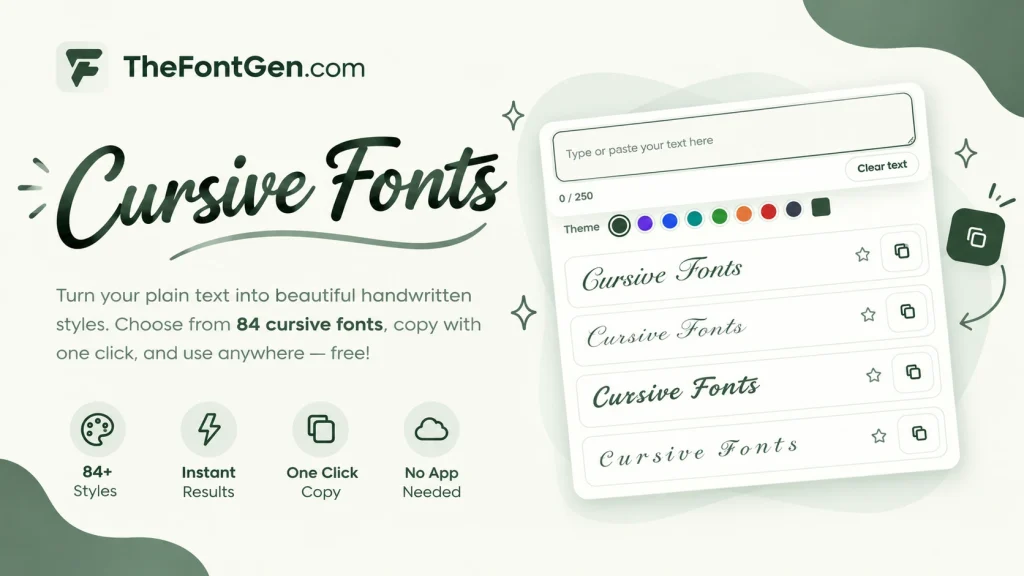
A cursive text generator, sometimes called a cursive generator font, does this job in seconds. The tool above shows 84 styles the moment the page loads, and the Load more button keeps adding new mixes. Everything is free, and one tap on any style copies it straight to your clipboard. This guide covers what cursive text is, which styles you can create, how to use the generator, and where these fonts look best.
What Is Cursive Text?
Cursive text is normal text written in a flowing, connected style where letters join together like real handwriting. In cursive typography the beauty comes from smooth curves and linked letters, the same look you see in wedding cards and signatures.
Online, a generator creates this look using special Unicode characters. So when people ask how do you write in cursive on a phone, the answer is simple. You type normal letters, and the tool converts those letters to cursive in seconds. Then you paste the result anywhere. For example, the plain word Hello becomes 𝓗𝓮𝓵𝓵𝓸. Same letters, just styled with Unicode so most apps and phones can show them.
This is the difference between real fonts and cursive lettering design. A designer draws lettering by hand for one logo. A generator gives you the cursive look instantly for everyday text like bios and usernames.
Cursive Fonts Styles You Can Create
Not all cursive fonts look the same, and that is the fun part. Filter pills let you jump straight to the mood you want. Here are the main groups.
Classic Script Cursive
The timeless handwritten look with smooth connected letters. It works for names, quotes and signatures. Example: 𝒮𝓉𝒶𝓎 𝒽𝓊𝓂𝒷𝓁𝑒. If you want your name to look handwritten, start here.
Bold Cursive for Usernames and Bios
Bold cursive is thicker and easier to read at small sizes, which makes it perfect for profile names. Example: 𝓑𝓸𝓼𝓼 𝓫𝓪𝓫𝓮. This is the font style cursive fans pick most for profile names, because bold catches the eye among plain usernames.
Cute Cursive With Hearts and Stars
This is where the generator really shines. Cute styles wrap your words with hearts, sparkles, flowers, stars, wings, butterflies and ribbons. These are made for soft aesthetic bios. Example: ♡ 𝓈𝓌𝑒𝑒𝓉 ♡ and ✧ 𝓭𝓻𝓮𝓪𝓶 ✧. Few free tools offer this many cute wrappers in one place.
Italic and Stylish Cursive
Italic cursive leans to the side and looks fast and modern. Stylish cursive fonts in this group add extra swirls and flair to each letter. Example: 𝓢𝓸𝓯𝓽 𝓿𝓲𝓫𝓮𝓼. Use these when you want something fancier than classic script but still readable.
Underlined, Struck Through, and Glitch Cursive
You can stack effects on top of cursive letters. Add an underline for emphasis, strike through for a playful deleted look, or glitch for an edgy vibe. Example: an underlined word looks like 𝓗𝓮𝓵𝓵𝓸̲ and a struck through word looks like 𝓗̶𝓮̶𝓵̶𝓵̶𝓸̶ in cursive form. These combos are rare, and most generators do not offer them.
Some famous cursive fonts from design history, like formal script typefaces used in invitations, inspired these styles. The difference is that here you get the look instantly without installing any font file.
How to Use the Cursive Fonts Generator
People search for this both as a cursive fonts generator and a font generator cursive. Either way, using it takes less than a minute, and there are only three steps.
Type or Paste Your Text
Type directly in the box or paste text you already wrote. A small counter shows your length out of 250 characters. Short text works best. Names, single words and short bios look cleaner in cursive than long paragraphs.
Pick a Style
Scroll through the styles or tap a filter pill like Cute, Bold, Fancy or Stylish to narrow the list. See a style you love? Tap the star to save it in your favorites. You can even change the theme color of the tool with 8 built in colors or your own custom color. This kind of cursive creator is built for trying lots of looks quickly.
Copy and Paste It Anywhere
Tap any style once and it copies to your clipboard with a small “Cursive copied!” message. Then paste it in Instagram, TikTok, WhatsApp or wherever you like. That is the whole cursive font generator workflow. Type, pick, paste. It works like a personal cursive font writer in your browser. No signup, no download, just open the page and go.
Where to Use Cursive Fonts
Cursive fonts work anywhere plain text is allowed. Here are the most popular places to use them. Blog owners also paste styled text into post titles and headers, and some people preview tattoo lettering ideas in the generator before visiting an artist.
Instagram Bios and Captions
Instagram bios are one of the most popular uses. A stylish name in cursive stands out in comments and on profiles. Example bio line: 𝒯𝓇𝒶𝓋𝑒𝓁 | 𝐹𝑜𝑜𝒹 | 𝑀𝓊𝓈𝒾𝒸. Keep bio text short because Instagram cuts bios at 150 characters. Many people search for “my name in cursive”. To turn your name to cursive, just type it in the tool above and pick a style.
TikTok, Facebook, and X Profiles
Profile names and video captions on TikTok, Facebook and X all accept pasted cursive text. Creators often use it for their display name so followers recognize them instantly. Example: 𝒟𝒶𝒾𝓁𝓎 𝓋𝓁𝑜𝑔𝓈 as a TikTok display name.
Gaming Usernames and Discord Nicknames
Gamers love cursive for clan tags and usernames because it looks premium in leaderboards and chats. On Discord, a cursive nickname grabs attention in the member list. If you want a cursive name writer for your gamertag, this tool does it in seconds.
WhatsApp Messages and YouTube Comments
Paste cursive into WhatsApp chats to surprise friends, or use it in YouTube comments so your comment catches the eye. Since it is plain Unicode text, it sends like any normal message on almost any modern phone.
Wedding Invitations and Announcements
Cursive is the classic choice for wedding stationery. Couples use it for names on digital invitations, save-the-dates and thank you cards. Example: 𝒜𝓁𝒾 & 𝒮𝒶𝓇𝒶 in classic script. For more formal options, see our wedding fonts collection.
Digital Signatures
A cursive version of your name makes a clean digital signature for emails, forum profiles and documents. Type your full name, pick the classic script style, and copy it as your sign-off. Example: 𝒮𝒶𝓇𝒶 𝒦𝒽𝒶𝓃.
Cursive Alphabet From A to Z
Many people search for single cursive letters, like cursive a or cursive b, when they practice handwriting or design a logo letter by letter. Here is the full alphabet in cursive, all letters in cursive order, uppercase first:
𝒜 ℬ 𝒞 𝒟 ℰ ℱ 𝒢 ℋ ℐ 𝒥 𝒦 ℒ ℳ 𝒩 𝒪 𝒫 𝒬 ℛ 𝒮 𝒯 𝒰 𝒱 𝒲 𝒳 𝒴 𝒵
And here it is in lowercase:
𝒶 𝒷 𝒸 𝒹 ℯ 𝒻 𝑔 𝒽 𝒾 𝒿 𝓀 𝓁 𝓂 𝓃 ℴ 𝓅 𝓆 𝓇 𝓈 𝓉 𝓊 𝓋 𝓌 𝓍 𝓎 𝓏
Want these letters in a different style? Type any letter in the generator above and watch it appear in every style at once. A single cursive letter also makes a nice profile initial.
Cursive Fonts vs Script Fonts: What Is the Difference?
Script
Cursive
Script is the parent category for all connected handwriting styles, from formal calligraphy to casual brush lettering. Cursive fonts are the casual, everyday branch of that family, the flowing joined up writing most of us learned in school. So all cursive is script, but not all script is cursive. For bios and usernames, cursive is usually the better pick because it stays readable at small sizes.
Tips for the Best Results
Keep your text short. A name or a three word phrase looks great in cursive, while a full sentence can get hard to read. Use the 250 character counter as your guide and stay well under it for bios. Match the style to your mood. Bold fits gaming names, cute styles fit soft aesthetic bios, and classic script fits formal names. Picking with intent looks better than picking at random. Always test on the app where the text will actually live before you set it as your final bio.
Why Does Cursive Text Show Boxes on Some Phones?
Why Does Cursive Text Show Boxes on Some Phones?
Cursive text may appear as empty boxes on older phones or outdated apps that lack support for certain Unicode characters. Text can also look slightly different on iPhone and Android due to font rendering differences. To fix this, try another cursive style, update your device, or test the text in a different app.
Frequently Asked Questions
Conclusion
Now you know what cursive text is, which styles exist, and where to use them. Scroll back up, type your name or any word in the generator, and find a style that feels like you. With 84 styles on load and unlimited new mixes, your perfect cursive is one tap away.